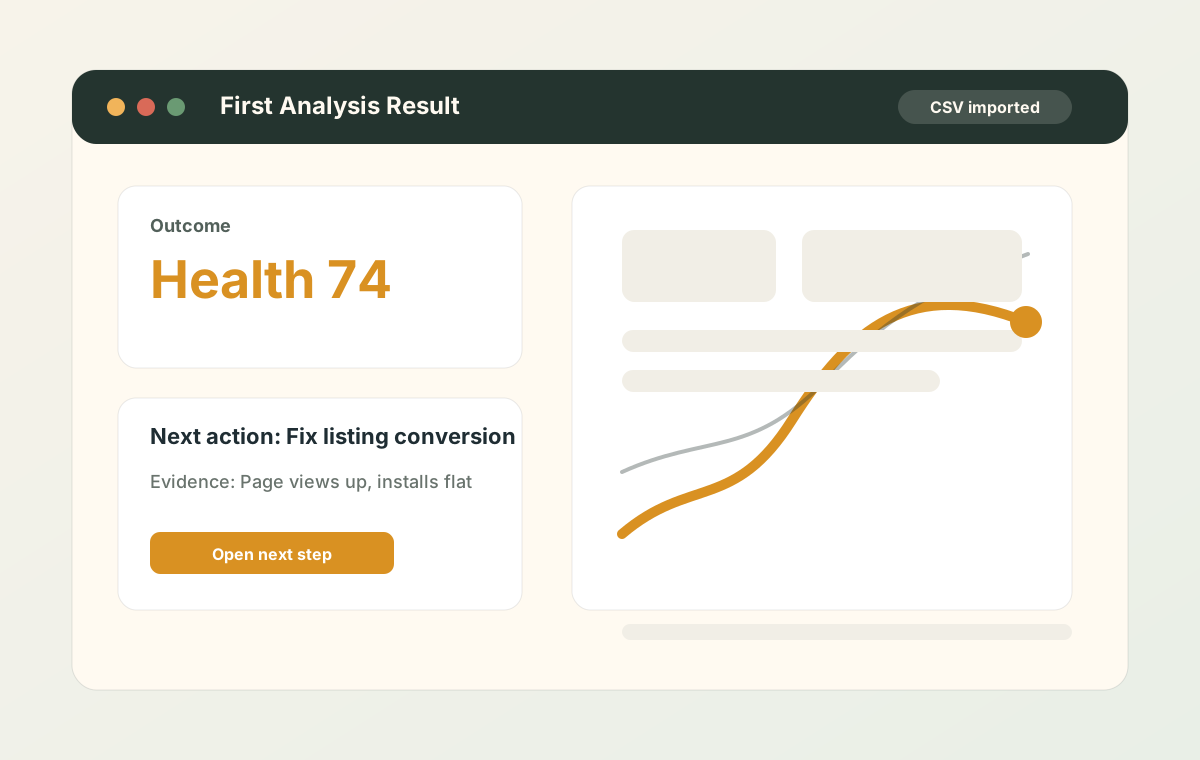
First wow
First Analysis tells the next move immediately
Users see the health score, strongest action, evidence metric, and the first prompt CTA before digging into graphs.
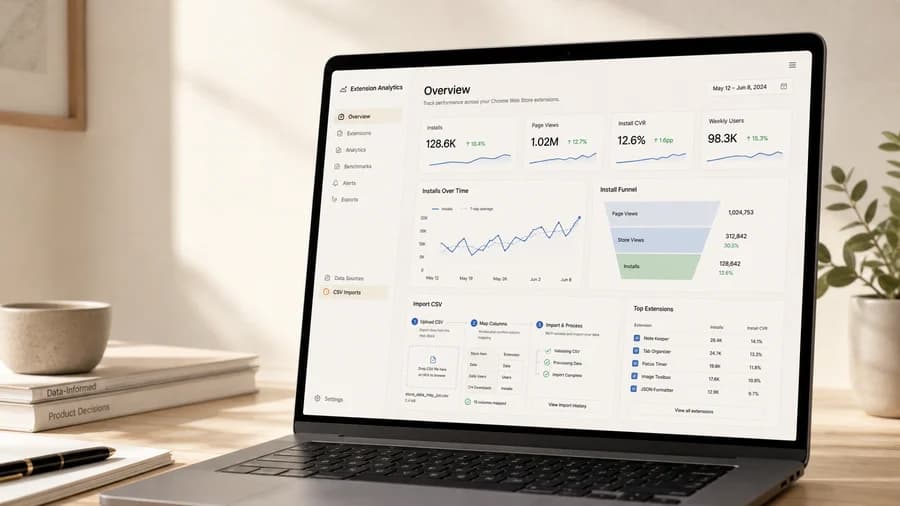
Collect Chrome Web Store CSV history, turn installs, page views, CVR, weekly users, reviews, releases, and action history into the next operating decision.
The product stays close to the CSV-first workflow: import the file, inspect the dashboard, then open the right prompt in your preferred web LLM when you need a second opinion.
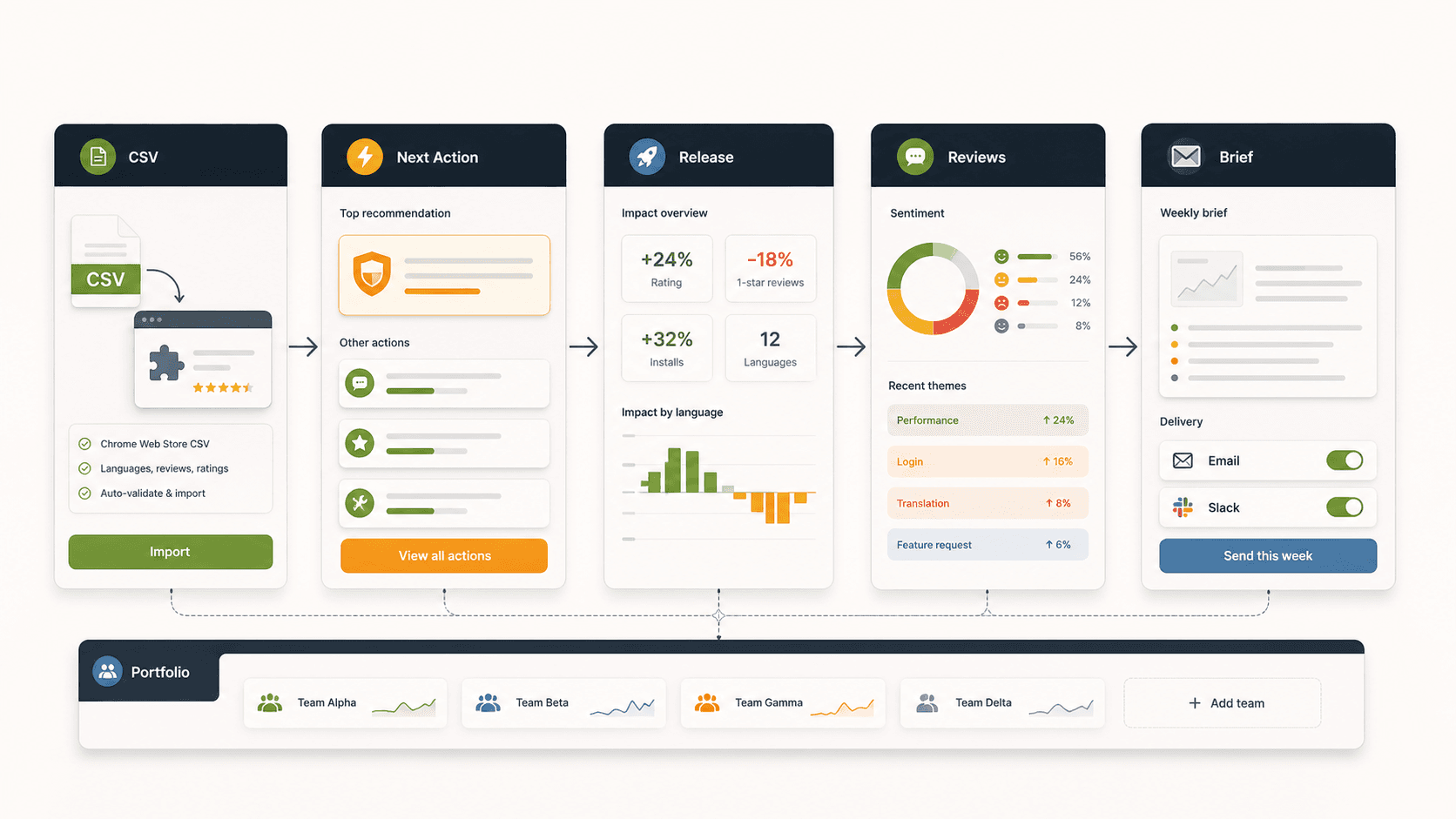
The product turns CSV imports into First Analysis, Release impact, data-filled Prompt Hub reports, Review Triage, weekly delivery, Action Log measurement, and Studio portfolio focus.
The landing page mirrors the actual product flow: five-year collection, first analysis, release judgment, review triage, data-filled prompts, weekly delivery, action effects, and Studio portfolio focus.
Users see the health score, strongest action, evidence metric, and the first prompt CTA before digging into graphs.
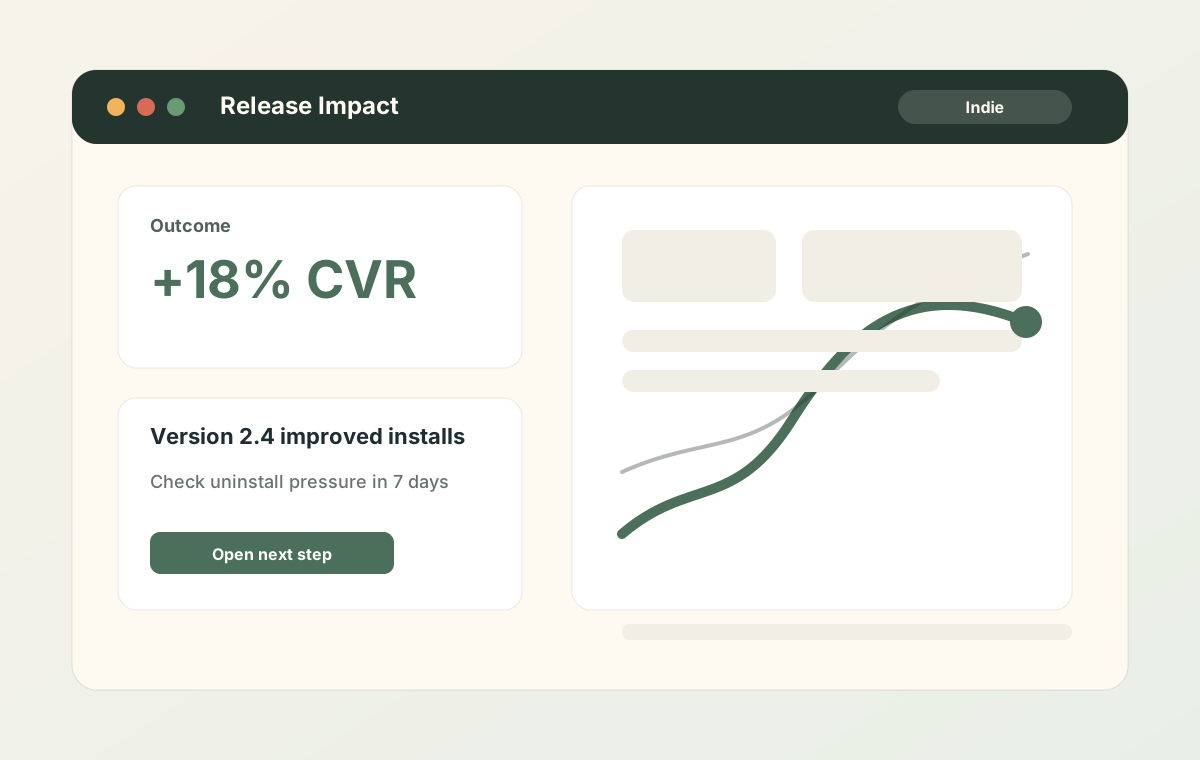
Indie users can compare before and after a release, then decide whether to keep pushing, rollback, or watch uninstall pressure.
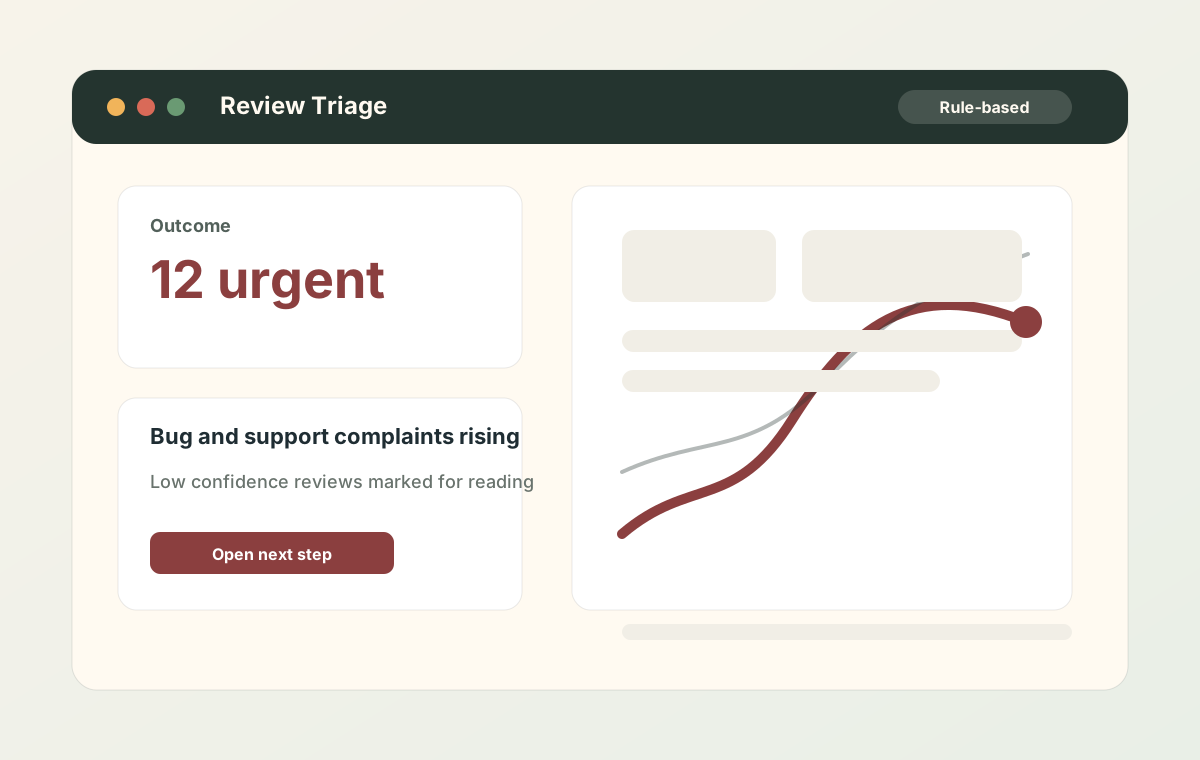
Pro positioning focuses on prioritizing important reviews. Low confidence items are marked for human reading because classification is rule-based.
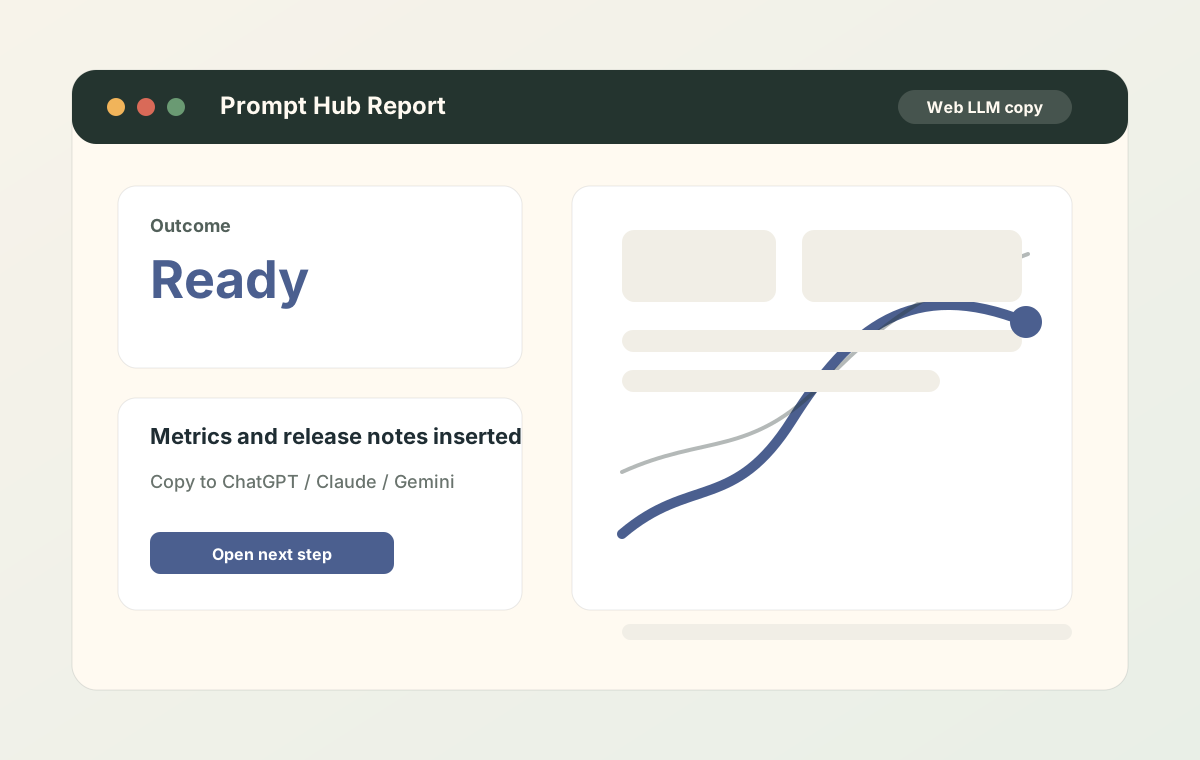
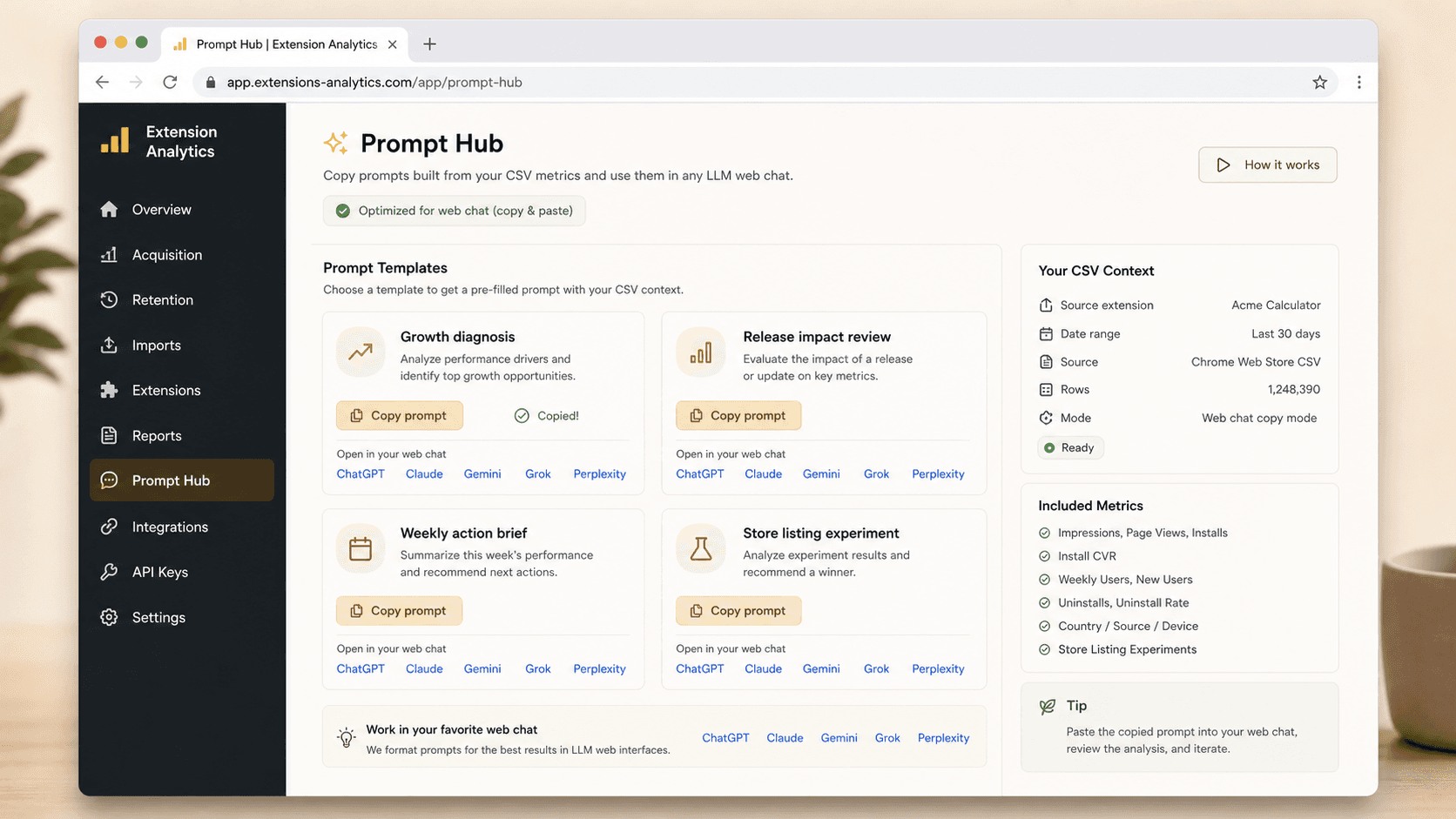
Metrics, release notes, review warnings, and action history are inserted before users copy to their preferred web LLM.
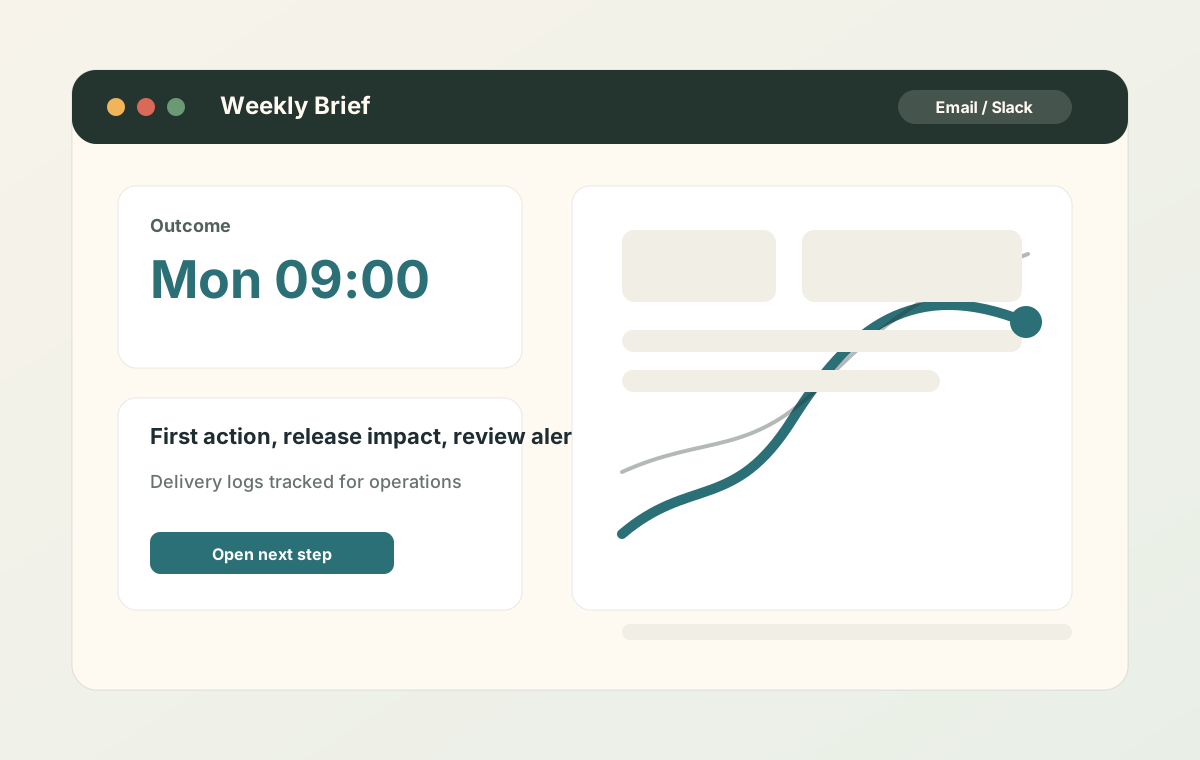
Email and Slack briefs summarize the first action, release impact, review alert, Prompt Hub link, and previous action results.
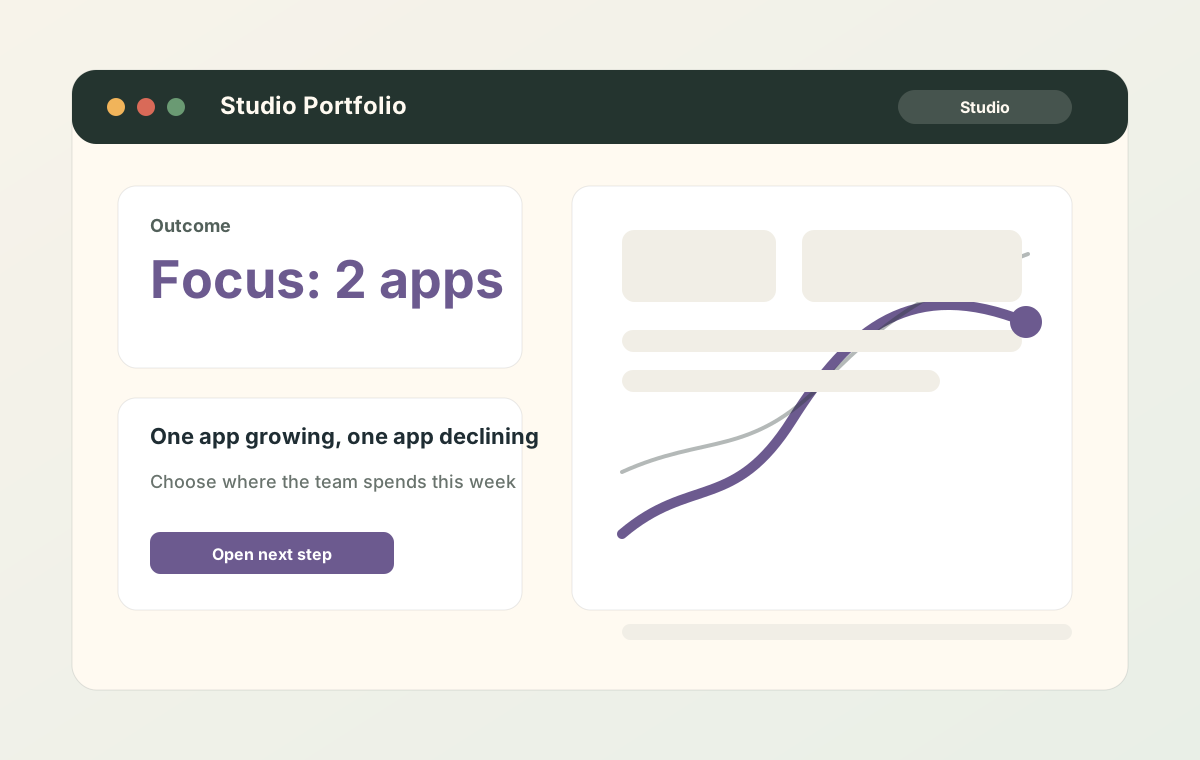
Portfolio views compare growing and declining extensions, review pain, release impact, peer benchmarks, and the weekly focus target.
Users see the health score, strongest action, evidence metric, and the first prompt CTA before digging into graphs.
Indie users can compare before and after a release, then decide whether to keep pushing, rollback, or watch uninstall pressure.
Metrics, release notes, review warnings, and action history are inserted before users copy to their preferred web LLM.
CSV visualization is easy to copy. The moat is the operating history: collection setup, action decisions, follow-up results, and anonymous comparison data that improve over time.
Fetch up to five years of Chrome Web Store CSVs for selected extensions, then upload the unified job so the SaaS can parse and store only the useful metrics.
Mark a recommendation as planned or done, then compare the metric after 7 or 14 days instead of forgetting what changed.
When enough anonymous peers exist, show whether CVR and uninstall pressure are above or below similar extensions without exposing individual workspaces.
Prompts include the selected extension, period, release notes, review warnings, action history, and data gaps so web LLMs receive a concrete operating report.
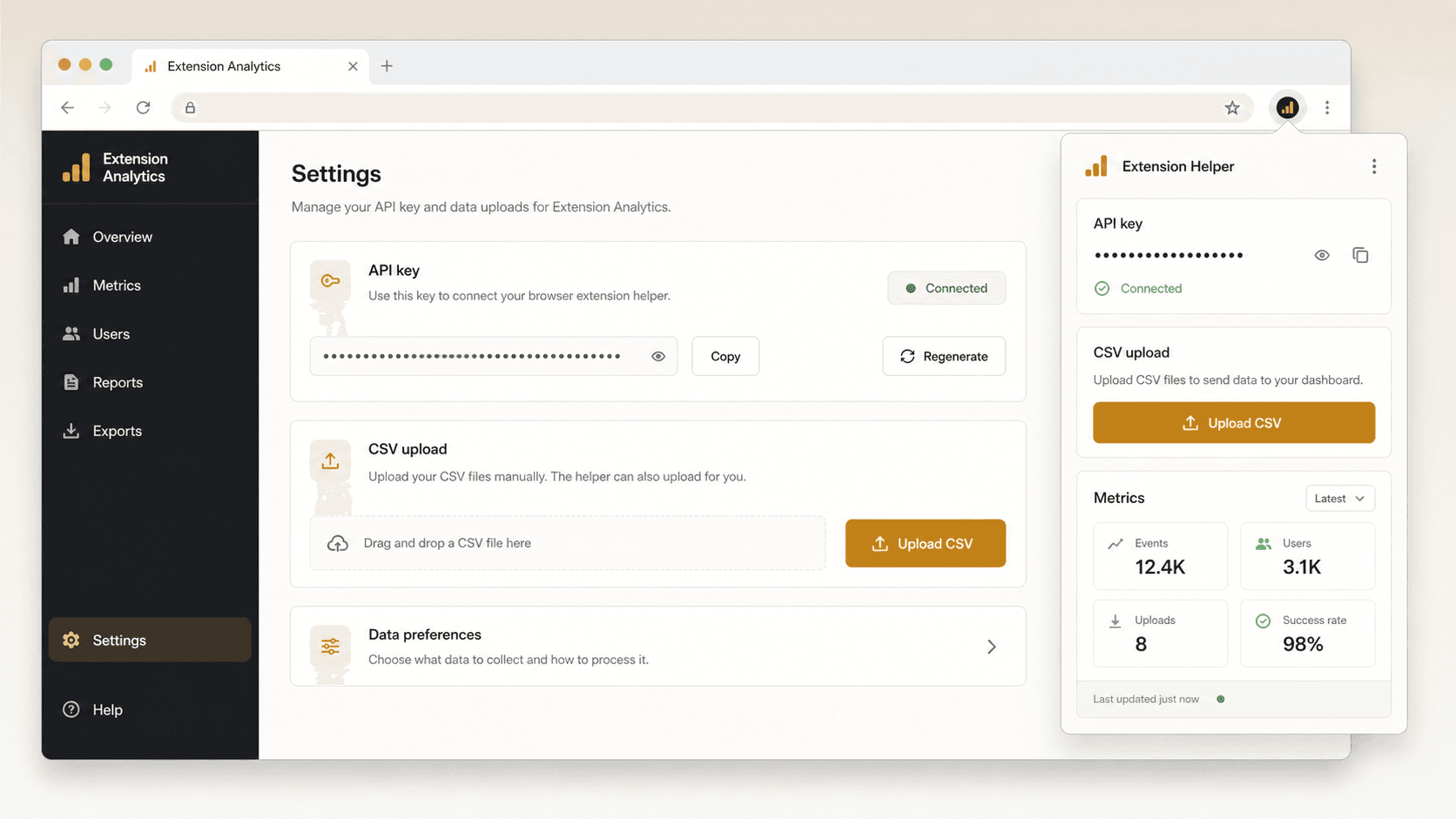
Set up the lightweight helper, keep API keys scoped to your workspace, and upload Chrome Web Store CSVs without handing over Google cookies or passwords.
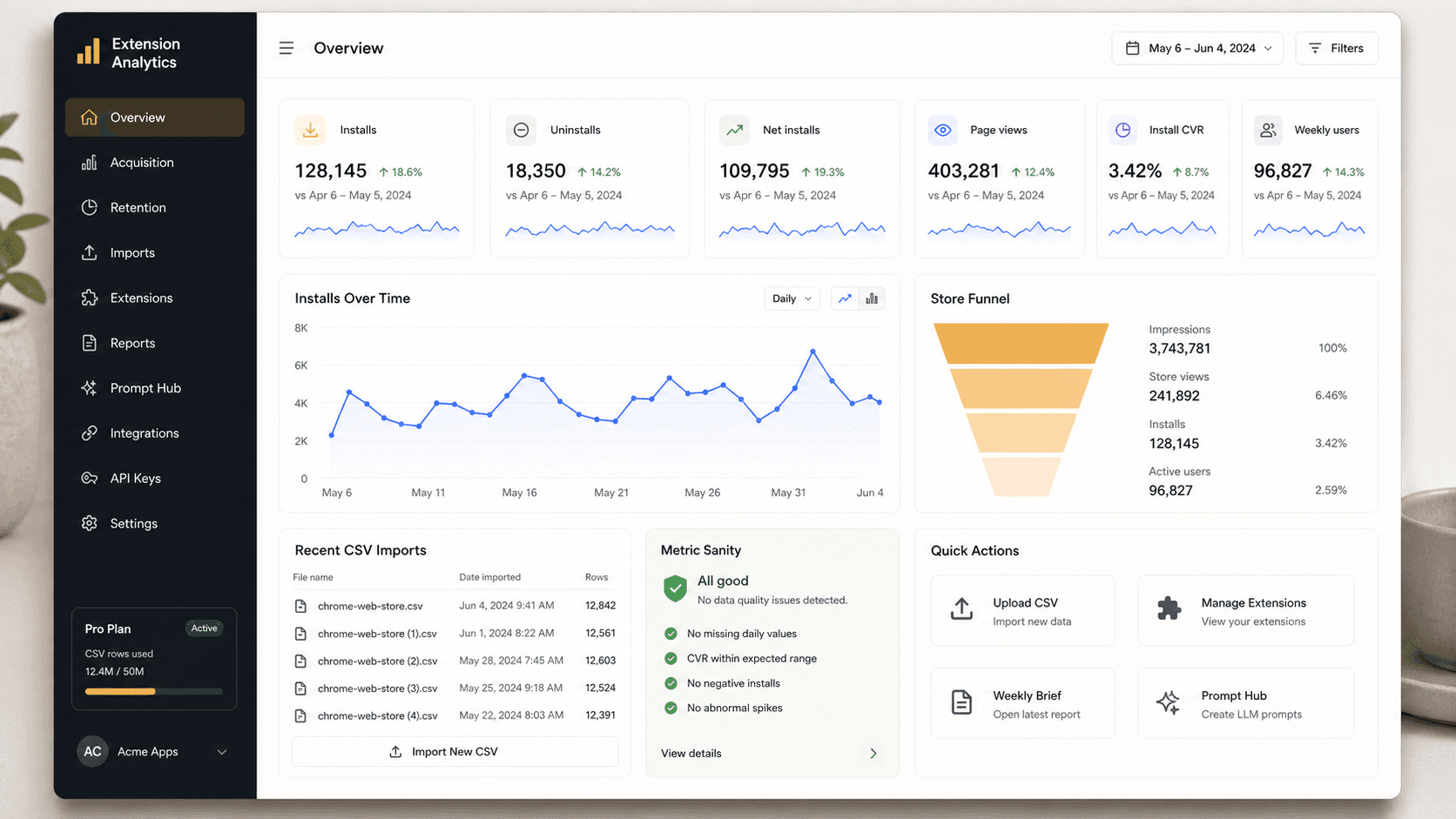
See installs, uninstalls, net installs, page views, install CVR, weekly users, recent imports, and metric sanity checks in the same dashboard.
Prompt Hub converts the visible CSV metrics into focused prompts for growth diagnosis, release impact, weekly briefs, and listing experiments.
Upload Chrome Web Store Developer Dashboard CSVs. Files are parsed immediately; Free never stores the original CSV.
Impressions → Page views → Installs → Install CVR
Metric sanity / Release impact / Weekly growth brief
Use the local Collector to fetch Chrome Web Store CSVs for selected extensions, upload them to your workspace, and keep the core analysis inside the SaaS. Google cookies and passwords are not stored by the service.
The immediate wedge is simple: upload Chrome Web Store CSVs, understand installs, page views, install CVR, weekly users, and growth drops without giving this service Google cookies or passwords.
Compare version adoption, CVR movement, weekly users, and uninstall pressure around each release.
Join review clusters, translation, sentiment, and release-linked complaint themes to private CSV metrics.
Connect acquisition, activation, subscription revenue, and license revenue to Web Store growth.
Track public listing movement, rating and review deltas, and category benchmarks beside your own metrics.
Plans by outcome
Each tier is positioned around the question it answers after CSV collection: release success, review pain, action effects, portfolio focus, benchmarks, and weekly delivery.
See the first priority before paying
Use Free to confirm the CSV workflow, Health Score, and top action for one extension.
Upload your first CSVKnow whether a release helped or hurt
Indie is for release impact, detailed reasoning, action tracking, weekly briefs, and email delivery after each CSV cycle.
UpgradeTurn review pain into product priorities
Pro adds Review Triage, confidence flags, Slack delivery, effect-aware prompts, and roadmap decisions from review pain.
UpgradeDecide where a team should spend time
Studio adds portfolio focus, cross-extension comparison, anonymous benchmark context, team UI, and Studio-level operating prompts.
UpgradeKnow whether a release helped or hurt
Indie is for release impact, detailed reasoning, action tracking, weekly briefs, and email delivery after each CSV cycle.
Turn review pain into product priorities
Pro adds Review Triage, confidence flags, Slack delivery, effect-aware prompts, and roadmap decisions from review pain.
Decide where a team should spend time
Studio adds portfolio focus, cross-extension comparison, anonymous benchmark context, team UI, and Studio-level operating prompts.
Collect Chrome Web Store CSV history, turn installs, page views, CVR, weekly users, reviews, releases, and action history into the next operating decision.
Use the local Collector to fetch Chrome Web Store CSVs for selected extensions, upload them to your workspace, and keep the core analysis inside the SaaS. Google cookies and passwords are not stored by the service.
Upload Chrome Web Store Developer Dashboard CSVs. Files are parsed immediately; Free never stores the original CSV.